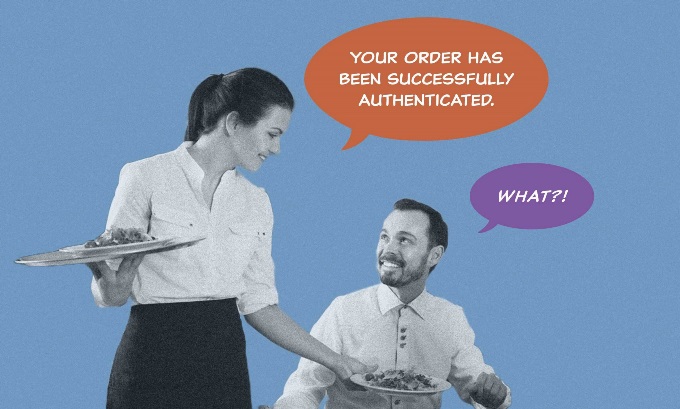
Robotic Words Insult Our Humanity
When buying toothpaste online or signing in to your favorite app, do you suddenly feel as if you have been dropped into the middle of a conversation between two engineers? You feel this way because this is exactly what has happened.
Most apps, sites, and software are awash with technical, robotic jargon. They speak the ancient language of computing’s past. The buttons, links, error messages, alerts, and instructions you see every day have been influenced by this history. Often, they are written outright by today’s software developers.
We have grown accustomed to telling our treasured customers their invalid credentials have compromised authentication. This lingo is technically precise, but it tends to not be particularly friendly, or even human. These words are perfectly clear to engineers. But to mere mortals?
The Plain Language Dictionary of Technical Terms
Imagine a sarcastic dictionary that tells us what real people actually see and think when they encounter esoteric technical verbiage. We don’t offer technically accurate definitions. Rather, we expose the gut-level reaction to unnecessary software engineering nonsense.
To save time, we’ve limited ourselves to only the most common dehumanizing words and phrases, offered in five maddening categories.
Part 1 – You Are Wrong
Something has gone wrong. The system chooses this exact moment to speak in incomprehensible code. Naturally, it blames you.
Error
A dramatic announcement that everything is falling apart, and it is entirely your fault.
404 Not Found
A number that makes about as much sense as the hatch sequence in Lost. It is CLEARLY different from 403, 500, or 418, which no one understands either. The effect is softened by a cartoon monkey or perplexed astronaut.
403 Forbidden
Trespassers will be shot.
Survivors will be shot again.
400 Bad Request
Bad! Bad human! Bad!
To the cage!
Fatal Exception
An error message written like a coroner’s report, delivered by Arnold Schwarzenegger on behalf of Skynet. Your application has been terminated! (Read that like the former Governor of California.)
Part 2 – Abandon All Hope
It’s a normal Tuesday and you are just trying to get things done. Your apps says no.
Access Denied
YOU SHALL NOT PASS!
Go back to the shadow!
Credentials
A magical combination that includes:
- Your email address.
- Facial or fingerprint recognition.
- A super-secret code from a security app.
- A bizarre 18-character alphanumeric sequence, including at least one capital letter, one number, and one special symbol from a restricted set of particularly special symbols.
- An esoteric question about your mother’s first pet.
- At least two recent bank statements.
- A properly sacrificed goat.
… all to join a 20-person Teams call.
CAPTCHA
When a robot asks you to prove you are not a robot but are in fact a breathing human with feelings, hopes, and dreams (demonstrated by your ability to differentiate buses from bicycles).
I Am Not a Robot
Something your five-year-old self never imagined you would have to affirm on a daily basis.
Verify
We need a DNA sample and a seven-page note from your mother. It probably will not be enough.
Authentication
Wasting a huge part of every single day endlessly proving to Microsoft that you are, in fact, you. A preview of your eternal punishment in Dante’s ninth circle of hell.
Two-Factor / Dual Factor
Racing against a 30-second clock to provide a password you’ve probably forgotten and a six-digit code from the phone you left in the downstairs bathroom.
Session
When you return from refilling your coffee to find your productivity app suddenly believes it has never met you before in its entire life.
Request Timed Out
When the system passive-aggressively blames you and your weak, ineffective “request.” Then doubles down by demanding you simply “try again.”
Unauthorized
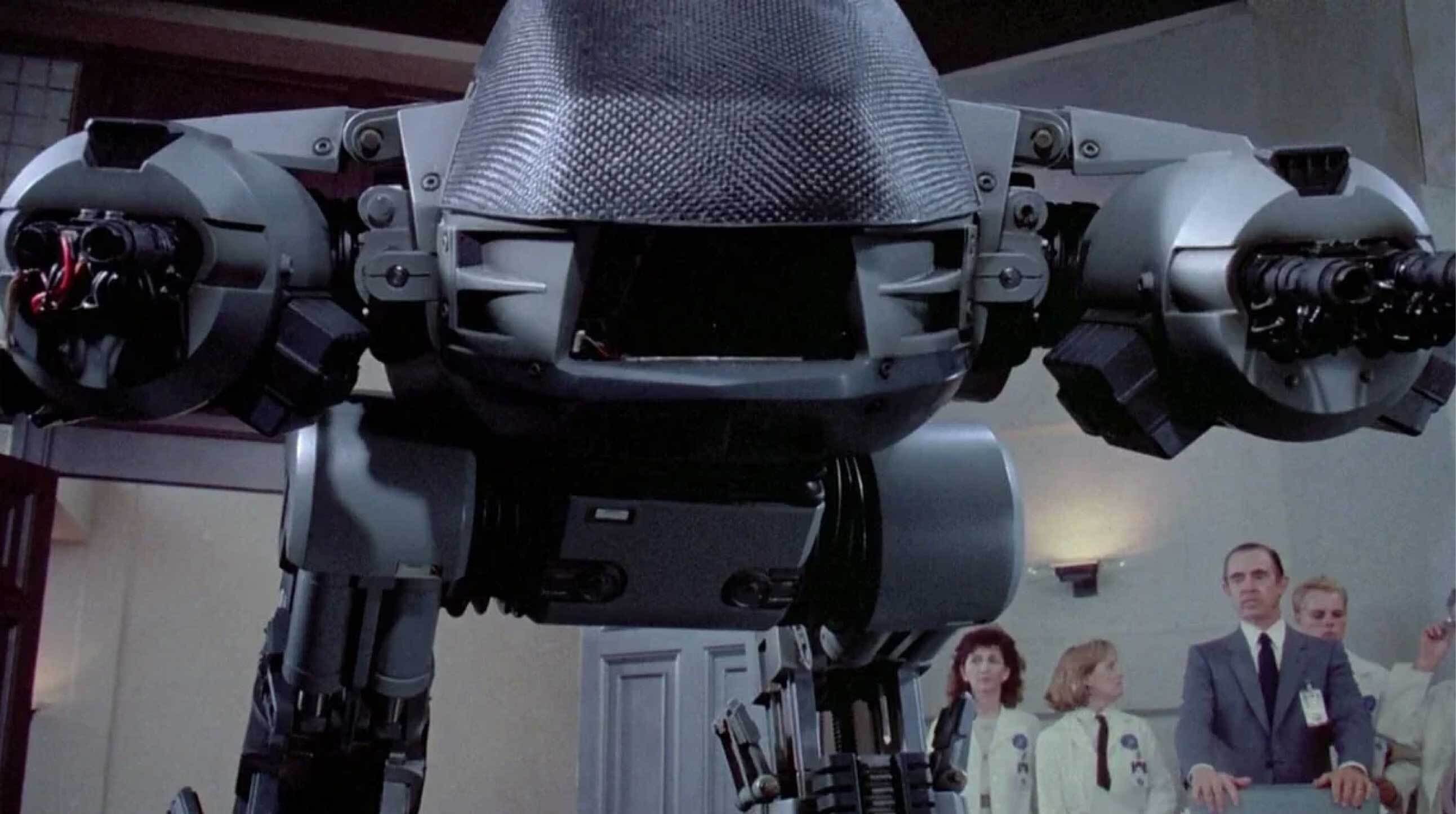
<ED209> Step away from the laptop. You have 20 seconds to comply! </ED209>
Part 3 – Enjoy Our Militant Forms
You may naively think forms exist to help you. They do not. Forms exist to demand personal information, bark orders, and punish mistakes.
Field
A meadow, sport, profession, or area of academic study. Possibly related to magnets. In your favorite app, it is just a rectangle. A rectangle that wants your credit card number.
Invalid
Your information is unacceptable. And just like in the movie Gattaca, you as a person are also unacceptable.
Required
Death*
Taxes*
Your personal mobile phone number*
* For some reason decorated with an asterisk.
Submit
1. (v) Buying toothpaste online has somehow become an exercise in unwilling surrender.
2. (v) It seems Madame Pain is going to have to teach you some discipline.
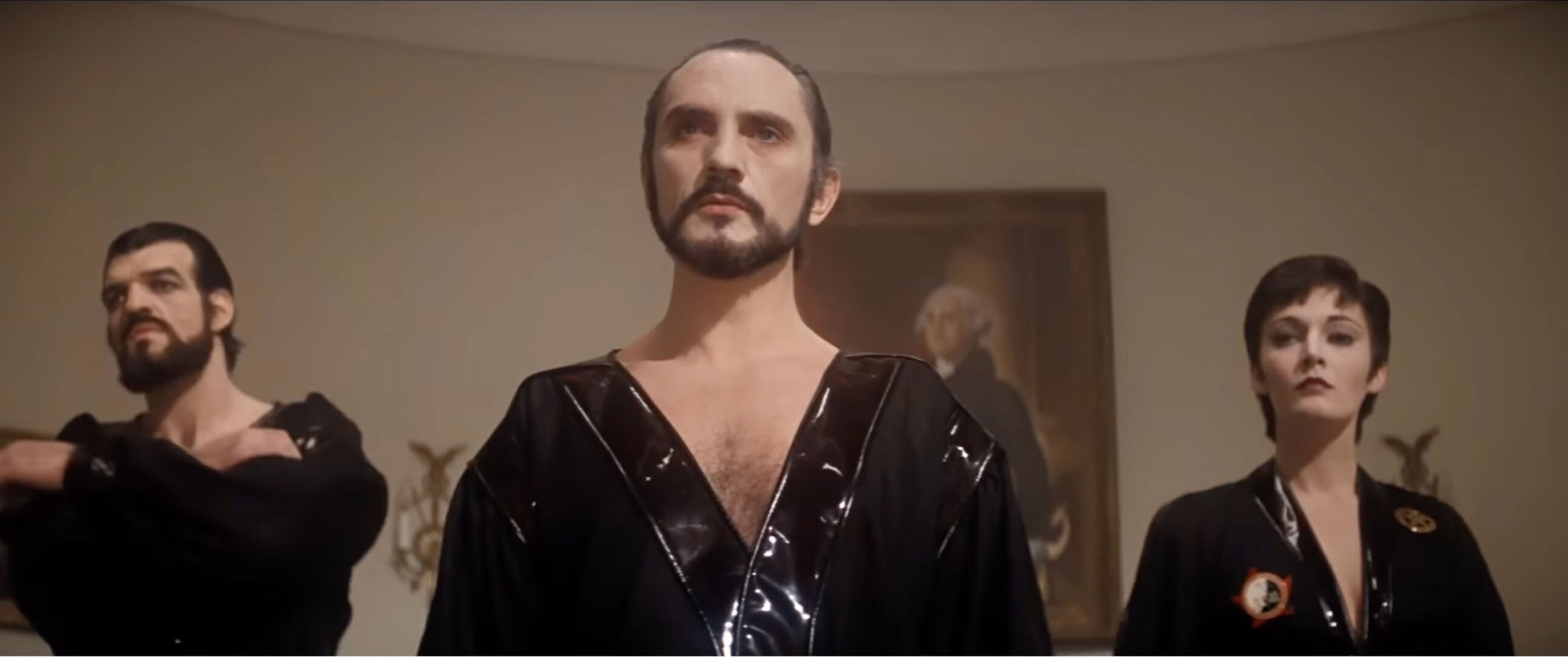
3. (v) Kneel before Zod!
Agree and Submit
We have been sued over this in the past. The legal department requires absolute certainty that you understand the minuscule, voluminous small print and cede agency, in the strictest, binding legal sense, to the lords who command you.
Part 4 – Slow Your Roll
Patience is a virtue. Online, it is also the source of your high blood pressure.
Processing
We are thinking about it, but there’s no telling how long this will take, if it will ever happen, or if everything isn’t already frozen.
Contact Your Administrator
A sacred quest to find the elusive, mythical wizard who, as told in ancient texts, can help you, mere mortal, uncover the deep, dark secrets behind your failed Office 365 login.
Token
The mysterious, unseen currency AI silently charges until you are abruptly told you have run out. It is like playing Galaga without knowing how many gunships you have left. And when the game is over, every single quarter disappears from your pocket.
Part 5 – Miscellaneous Dehumanization
You are but a cog in the grand impersonal machine. These words prove it.
Cancel
An aggressive button that forcefully means “stop,” “no,” “end,” “go away,” or something considerably less polite. Except for email subscriptions. Then it is just a mild suggestion you clearly don’t mean.
Enter
A word that usually proceeds “Sandman,” or “The Dragon.”
Filter
Make your intentions known by:
- Typing several keywords.
- Clicking five checkboxes.
- Selecting three radio buttons.
- Zooming in on a map.
- Setting a date range.
- Adjusting a price-range slider.
Then behold a wonderfully curated list of overpriced short-term rentals.
Query
A pretentious, technical cosplay of the perfectly good English word “ask.”
User
You. The obvious cause of all software, app, and website errors and problems. Also, Ewan McGregor in Trainspotting.
How to Speak Human
The words we encounter online (“microcopy”) are often ludicrously technical. Real people do not want to know what these words mean. They do not want to understand the mechanisms and are not interested in the system or what it is doing.
People just want to get things done, preferably without a fuss. And they do not wish to be treated like robots. The best way to help the typical person? Speak like a typical person; a flesh-and-blood human person.
Principles
The guidelines for proper communication online are simple. Your words will serve people well if they are:
- Non-Technical. A non-technical person should be able to act without help (or even slowing down). Microcopy should not sound like a software developer is speaking to another software developer.
- Multi-Generational. Your grandparents can understand all microcopy and can even explain it.
- Cross-Cultural. Someone who speaks English as a second language should need no translation.
- Simple. Write to a 5th or 6th grade level. Avoid words of four or more syllables.
Tactics
When actually writing, follow these specific rules:
- Avoid all words or phrases in this dictionary. Okay, maybe you can use “cancel” on occasion, but only when actually cancelling something.
- Call something exactly what it is. If you are buying something, we suggest “buy” or “pay” instead of the hyper aggressive “submit.”
- Never, ever blame the “user.” This means directly or indirectly. Apologize for problems. Be polite and respectful to a fault.
- Use the words your users use. If you are making a product expressly designed for power-user software developers, be as technical as you please. Most people are not like this. Not even close.
- Write for scanning, not reading. We promise, nobody is reading anything you write.
- Use AI to get started but be careful. Ask your favorite LLM to take a first pass on microcopy, but only if you’ve trained it with this dictionary and these tactics. Don’t trust AI to finish the job. That’s on you.
- Test words with real people. The only way to be sure.
Every Word Matters
Visual interfaces are made mostly of words. And every single word must be carefully written. It will be written by someone (or some bot). It’s up to you to make sure real people can understand it. Speak like a human and people love your product. They’ll use it, pay for it, stick with it, and recommend it.

Written By Dean Schuster

Founder and Owner of truematter
Dean Schuster has been creating human-centered digital products since the beginning of the commercial web. He speaks and teaches user experience all over the world.